
Best Free Image Hosting in 2026: What to Look For (and Why)
A practical, honest guide to choosing free image hosting in 2026. The features that actually matter — direct links, privacy, limits, and encryption — and how PikDB fits.
On this page
Search "free image hosting" and you'll get a dozen services that all look similar. They are not. The differences that matter are often hidden in the fine print: how your link behaves, what happens to your privacy, and whether your images are still there in a year.
This guide is a **checklist, not a leaderboard.** Instead of ranking services that change their terms every quarter, it walks through the seven criteria that actually determine whether a host is good for *your* use — and explains, honestly, where PikDB lands on each.
Limits and features on any third-party service change over time. Always confirm current details on each provider's own site before you commit. The criteria below are what to check.
1. Does it give you a true direct link?
A **direct link** ends in the image itself and loads the picture on its own. A **viewer-page link** opens a web page *about* your image, surrounded by ads and buttons. For embedding in forums, documentation, marketplaces, or websites, you want direct links.
PikDB is built around direct links. Every upload gives you a view/download link that points at the original file, so it embeds cleanly and opens at full quality.
2. Can you upload without an account?
Mandatory sign-up is the single biggest source of friction. Some hosts require registration and email verification before you can upload a single file. If you just need to share one picture, that's a lot of ceremony.
PikDB lets you upload **anonymously as a guest** and get a link immediately. An account is optional and only adds cross-device library sync and recovery — it is never a gate in front of uploading.
3. What are the real limits?
"Unlimited" rarely means unlimited. Check three numbers: the **per-file size limit**, any **cap on total uploads**, and any **rate limits**. A generous per-file size matters a lot if you work with high-resolution photos or exports.
| What to check | Why it matters | PikDB |
|---|---|---|
| Per-image size | Determines if high-res photos fit | Up to 60 MB per image |
| Upload count | Caps how much you can store | No cap on number of uploads |
| Account required | Friction before first use | No — anonymous guest uploads |
| Price | Hidden tiers and paywalls | Free |
4. How private is it, really?
Privacy has layers. At minimum you want **encryption in transit** (HTTPS) so nobody can snoop on your upload. Better hosts also minimise the data they collect and publish a clear privacy policy. The strongest option, for sharing among a specific group, is **end-to-end encryption**, where even the service cannot read the content.
- **In transit:** PikDB encrypts the connection between your device and the service.
- **Data minimisation:** anonymous uploads mean no identity is required.
- **End-to-end encrypted group rooms:** shared content is readable only by members.
- **Clear policies:** published privacy, acceptable-use, and takedown terms.
5. Will your links still work next year?
The quiet killer of image hosts is **link rot** — services that delete inactive images, change URL formats, or shut down, breaking every link you ever shared. Before relying on a host, look for a clear statement on link longevity and notice before major changes.
If you embed an image in a forum post or a wiki, that link may need to keep working for years. A host that deletes images after a period of inactivity can silently break your content. PikDB's policy is to keep links valid as long as the service runs, with advance notice of significant changes.
6. Can you actually manage your images?
One-off uploads are fine until you have fifty of them. A good host gives you a **dashboard** to search, organise into folders, favourite the important ones, and delete the rest. Without management tools, your library becomes a junk drawer.
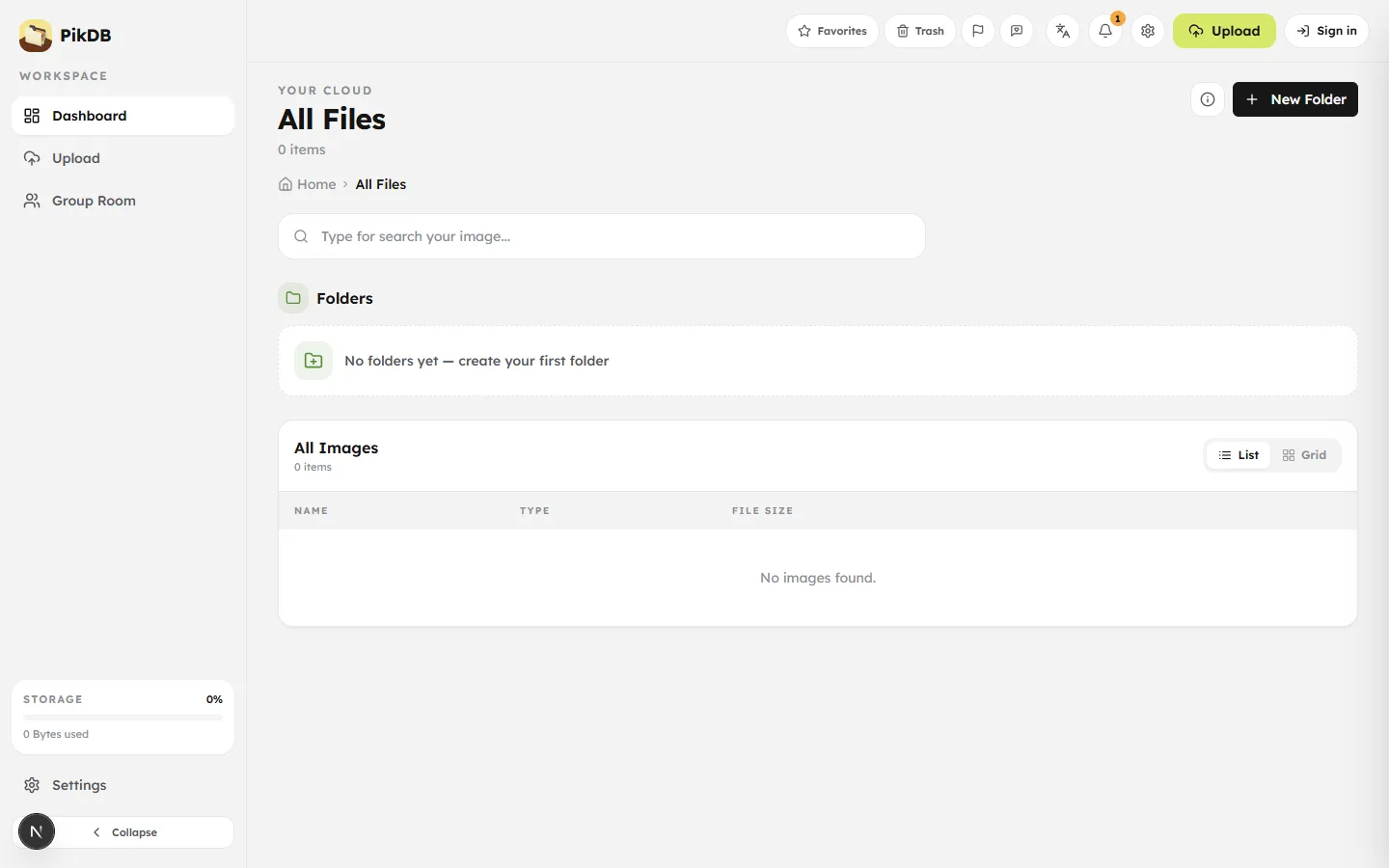
PikDB's dashboard provides folders, favourites, a trash/recovery flow, and per-image link copying, so a growing collection stays usable.
7. Is there a mobile app?
Most pictures are taken on phones, so native mobile support matters. A responsive website covers the basics; a dedicated app adds smoother uploads, sharing, and notifications. PikDB works in any mobile browser and also has an Android app on Google Play.
A quick decision guide
| If your priority is… | Look for… |
|---|---|
| Speed and zero friction | Anonymous upload, direct links (e.g. PikDB) |
| A public community | A social-first host with feeds and comments |
| Private team sharing | End-to-end encrypted rooms (e.g. PikDB group rooms) |
| Long-term embedding | A clear link-longevity policy |
| High-resolution work | A large per-file size limit |
Put the checklist to the test
Upload an image, copy the direct link, and see how it compares — no account, no cost.