
Create an Account or Stay Anonymous
Learn the difference between anonymous guest uploads and a free PikDB account, how to sign in, and how to claim guest uploads into your account.
On this page
PikDB works two ways: **anonymous** (fast, no sign-in) and **signed in** (synced, recoverable). This guide explains the difference and shows how to move from one to the other without losing anything.
Which should you choose?
| Anonymous (guest) | Signed in (free account) | |
|---|---|---|
| Upload & get a link | ✅ Yes | ✅ Yes |
| Setup needed | None | A quick sign-in |
| Library syncs across devices | ❌ No | ✅ Yes |
| Recover images after a device reset | ❌ No | ✅ Yes |
| Best for | One-off shares | An ongoing collection |
Anonymous mode is perfect when you just need one link right now. But a browser clear or a new phone can make an anonymous library hard to find. Signing in ties your uploads to you, so they follow you everywhere and can be restored.
How to sign in
- 1
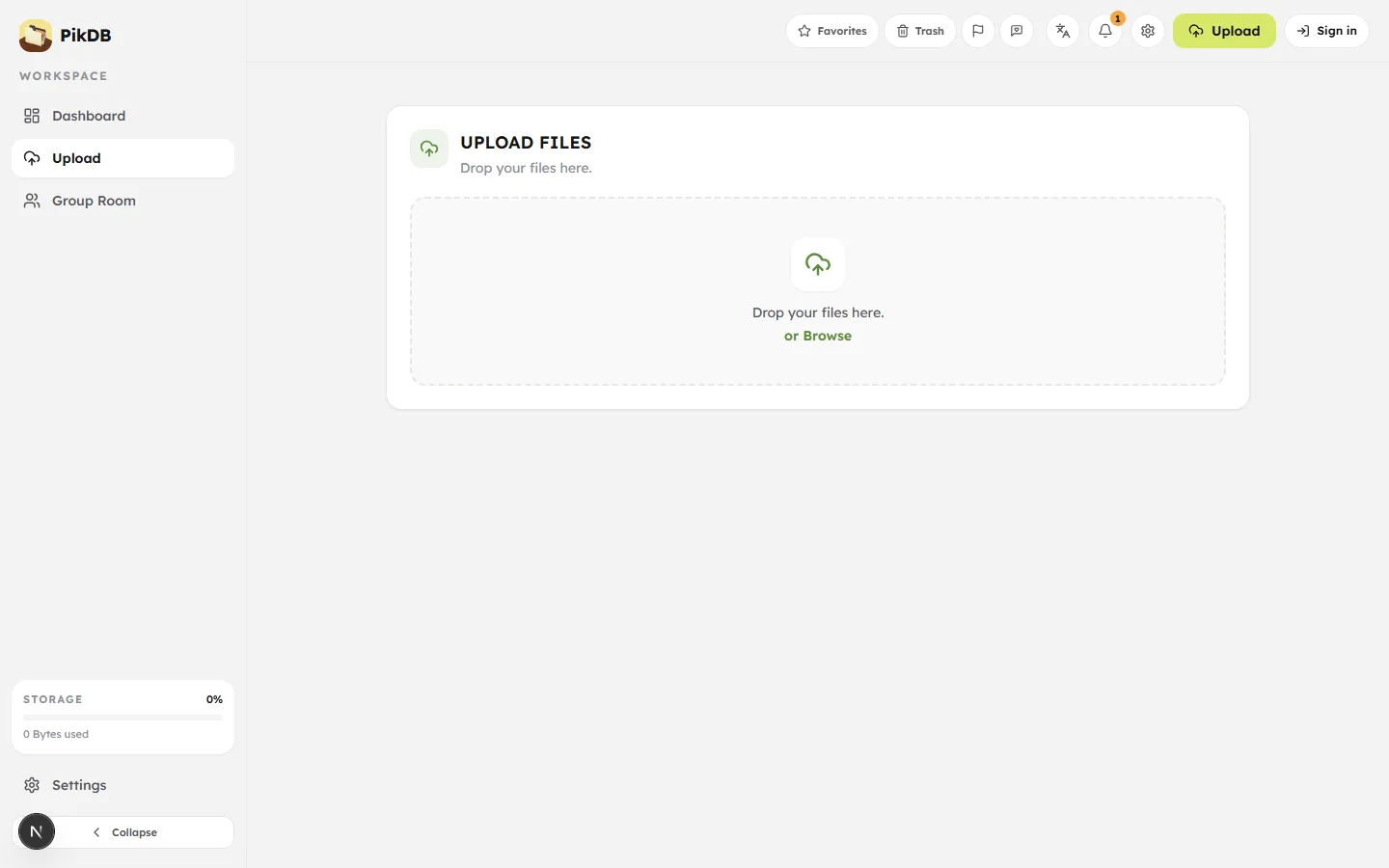
Open the account menu
Click the account/profile icon in the header, or go straight to the sign in page.
- 2
Choose a sign-in method
Sign in with **email and password**, or continue with **Google**. Both are handled securely by Arkynox Auth.
Tips- New here? Use Sign up to create a free account in seconds.
- 3
Claim your guest uploads (optional)
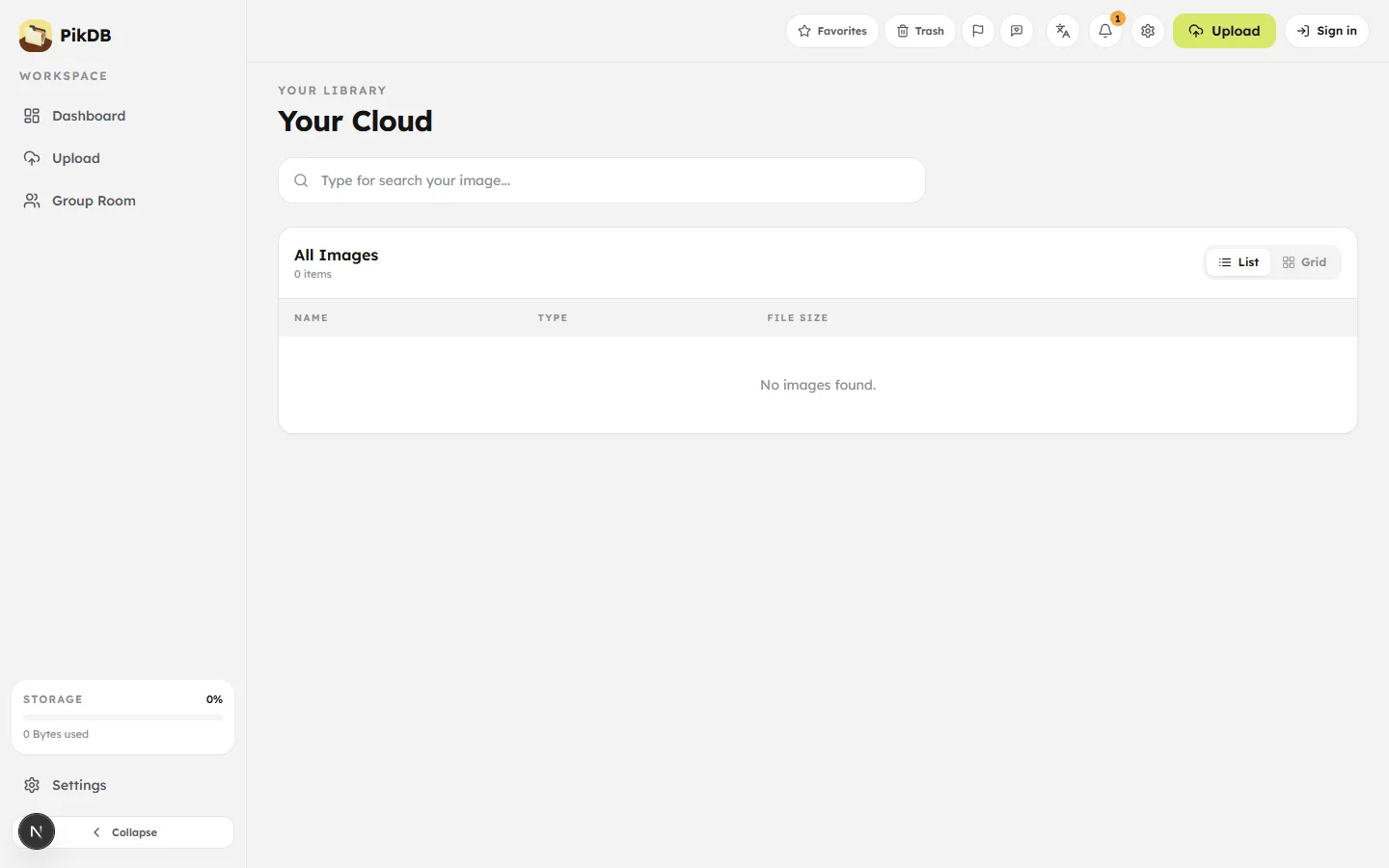
If you uploaded images anonymously first, PikDB can **claim** them into your account so your library is complete.
Why PikDB offers accounts at all: keeping optional identity on record helps meet legal and abuse-handling obligations, and protects honest users. Uploading still works anonymously — accounts simply add continuity and recovery.