
Keeping Your Account Secure
Practical steps to protect your PikDB account and images — strong sign-in, reviewing active sessions, revoking devices, and sharing safely.
Your PikDB account is the key to your synced library, so a few good habits keep it — and your images — safe. None of this takes long, and most of it you only do once.
Strong, simple sign-in
- Use a **unique password** you don't reuse elsewhere, or **sign in with Google** to lean on its protections.
- Never share your password; PikDB will never ask for it by email or message.
- If you suspect it's been exposed, change it promptly.
Review active sessions and devices
PikDB keeps a list of the devices currently signed in to your account. Reviewing it periodically — and signing out anything unfamiliar — is the single most effective way to stay secure.
- 1
Open your sessions
In **Settings**, find the **active sessions** or **devices** area to see where your account is signed in.
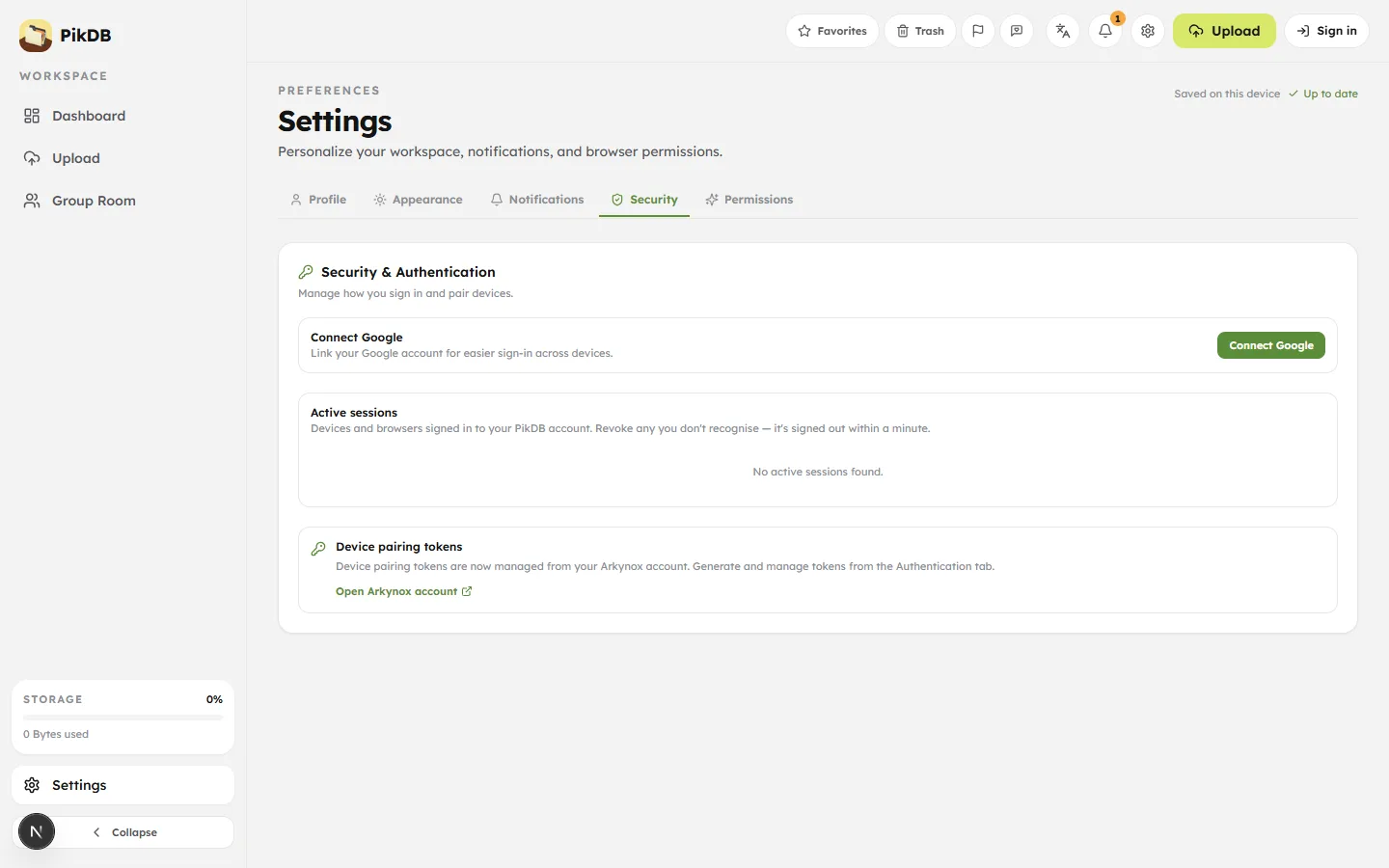
- 2
Revoke anything you don't recognise
Sign out a specific device, or revoke all other sessions in one action if something looks wrong.
Tips- Revoking is instant — the device must sign in again to regain access.
Share safely
Remember that a public image link can be opened by anyone who has it. For anything sensitive, share through an end-to-end encrypted group room so only members can view it.