
Direct Image Links: What They Are and How to Use Them
A direct image link loads your picture full-quality anywhere. Learn what direct links are, how they differ from viewer pages, and how to embed them in HTML, Markdown, and forums.
On this page
A **direct image link** is one of those small ideas that quietly makes everything easier. Once you understand it, embedding pictures in posts, docs, and websites stops being frustrating and becomes a copy-and-paste habit.
Direct link vs. viewer page
There are two very different things people call an "image link":
- **A viewer page** is a web page *about* your image — it has a header, ads, buttons, and the picture somewhere in the middle. Pasting this into an
<img>tag won't work. - **A direct link** points at the image file itself. Open it and you see only the picture on a blank background. This is what you embed.
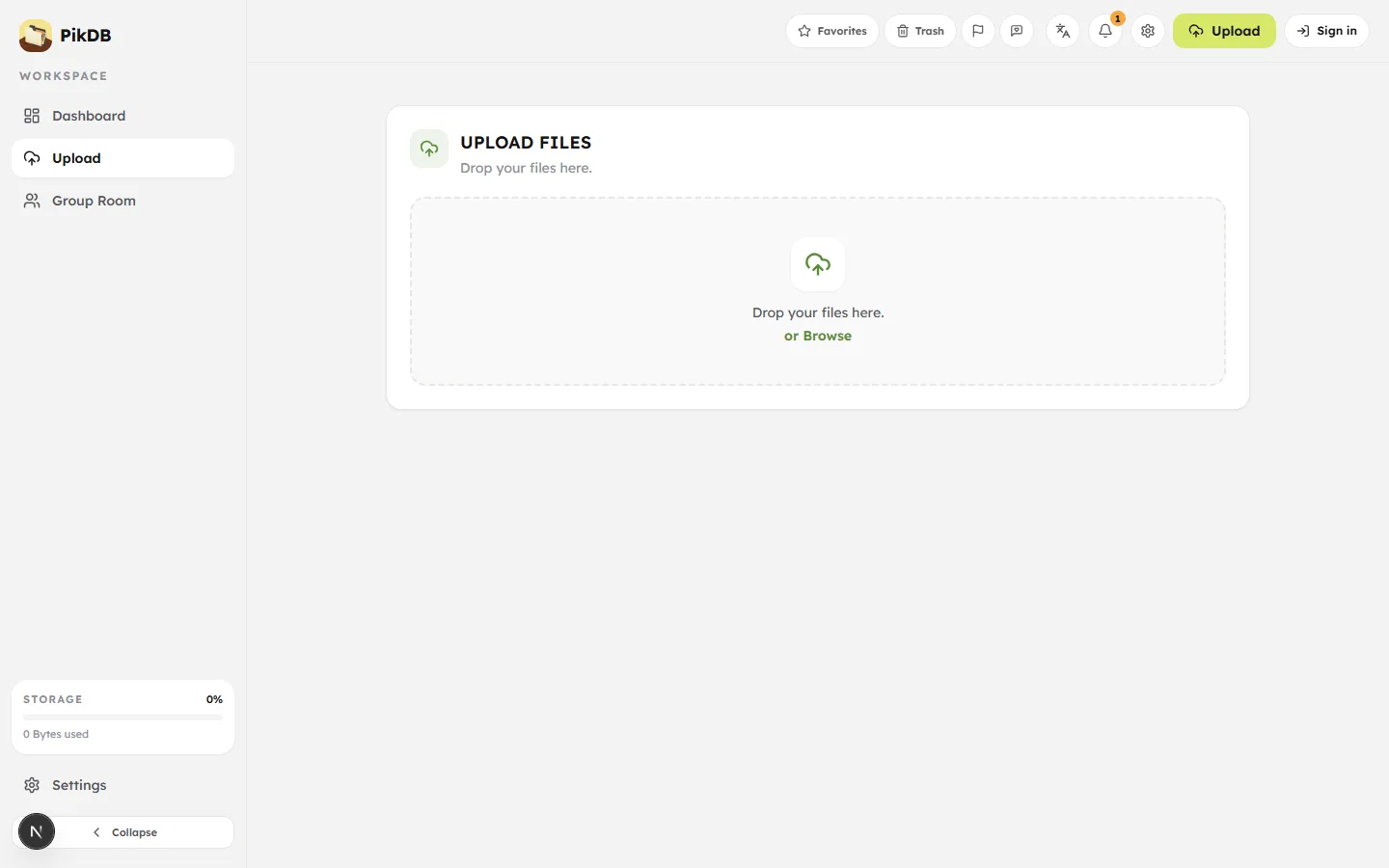
When you upload to PikDB, you get a direct view/download link — it points at the file, so it loads full-quality and embeds cleanly. No extracting the "real" URL from a cluttered page.
How to embed a direct link
Once you have the direct link, embedding is the same everywhere — you just use the syntax of wherever you're posting.
In HTML (websites)
<img src="https://www.pikdb.com/your-image-link"
     alt="A short, descriptive caption"
width="800" loading="lazy" />Always write a meaningful alt attribute. It helps screen-reader users, improves image SEO, and shows if the image ever fails to load.
In Markdown (READMEs, docs, Reddit, Discord)
In forums (BBCode)
[img]https://www.pikdb.com/your-image-link[/img]Why direct links work everywhere
A direct link is just a normal web address that happens to return an image. Browsers, forums, editors, and apps all know how to display an image from a URL. Because the link carries no platform UI, there's nothing to get in the way — the picture simply renders.
This is also why direct links are great for longevity. Your content isn't trapped inside one platform's viewer; it's a plain URL you can move between a forum, a wiki, and your own site without re-uploading.
Common problems and fixes
| Symptom | Likely cause | Fix |
|---|---|---|
| Image shows as a broken icon | Used a viewer-page URL | Use the direct link from PikDB |
| Image works for you but not others | Private/restricted content | Use a public link, or add them to a group room |
| Link shows text, not an image | Platform blocks external images | Check the site's embed/hotlink rules |
| Slow to load | Very large original file | Consider a web-optimised export for web use |
A note on hotlinking etiquette
**Hotlinking** means displaying an image hosted elsewhere directly on your page. With your own images on a host that supports it — like PikDB — this is exactly the intended use. Just don't hotlink *someone else's* images without permission; that uses their bandwidth and may breach their terms.
Get a direct link in seconds
Upload an image and copy a direct link you can embed anywhere.
Frequently asked questions
How do I get a direct image link from PikDB?
Can I embed a PikDB image on my own website?
Do direct links expire?
References & further reading
- How to upload images
- How to download and export
- Image formats explained
- MDN: the <img> element — Reference for HTML image embedding