
Account & SettingsMobile users
Using PikDB on Mobile & the Android App
Use PikDB on your phone — in any mobile browser or with the dedicated Android app. Learn how to upload from your gallery or camera and share on the go.
4 min read Updated November 21, 2026
Most photos start on a phone, so PikDB works great there. Use it in **any mobile browser**, or install the **Android app** for a smoother, native experience.
Upload from your phone
- 1
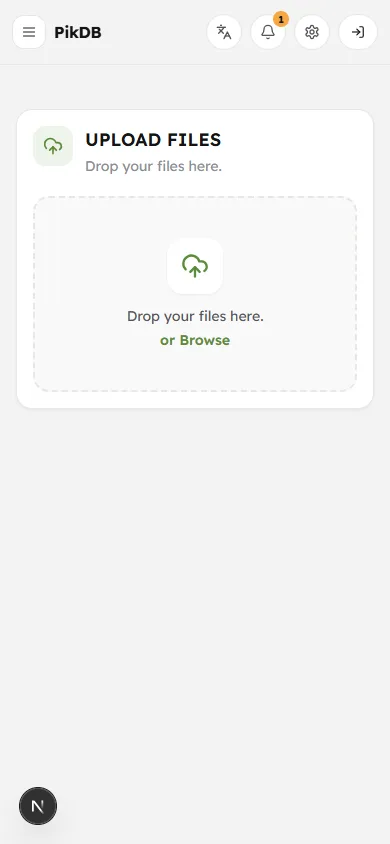
Open PikDB
Launch the Android app, or visit PikDB in your mobile browser and tap **Upload**.
- 2
Pick from gallery or camera
Choose an existing photo from your **gallery**, or take a **new one** with your camera (grant camera access if asked).
Tips- Camera capture is handy for quickly sharing something in front of you.
- 3
Copy and share
After upload, tap **Copy** and share the link in any app — messages, email, or social.
Tip
Signed in on both your phone and computer? Your library syncs, so you can upload on mobile and grab the link later on your desktop.